Master our ad testing framework for agencies. Learn to systematize your process, protect client budgets with automated kill rules, and scale winning ads faster.
Managing ad tests across a dozen client accounts can feel like a high-stakes juggling act. One client's budget is getting vaporized by an underperforming ad, another's "surefire winner" just hit a fatigue wall, and a third is pinging you for a performance report you haven't had a spare second to build.
The pressure to deliver results is immense, but the manual effort to test, monitor, and report is a massive bottleneck to your agency's growth. Sound familiar?
According to Supermetrics, marketing teams are using 230% more data compared to 2020. It’s no wonder we feel like we’re drowning in spreadsheets.
But what if you had a repeatable system? This guide delivers exactly that: a 5-step ad testing framework designed to turn chaotic ad tests into a streamlined engine for client growth. It's a systematic process for validating creative and copy against audience signals to identify high-performing ads before scaling spend, ensuring you bet the farm only on proven winners.
What You'll Learn in This Guide
- How to build a "Champion-Challenger" testing campaign to get clean, reliable data
- The 3-part hierarchy for testing hooks, visuals, and copy like a pro
- Data-backed "Kill Rules" to protect your clients' ad spend (and your sanity)
- A proven "Scaling Protocol" for vertically scaling winning ads without breaking them
- How to streamline client reporting in one click
Foundation: The 'Champion-Challenger' Campaign Structure
The first mistake agencies make is throwing new test creatives into their main scaling campaigns. This seems efficient, but it creates skewed data. Meta's algorithm often picks an early favorite, pouring the budget into one ad and starving the others.
The solution is to isolate your variables by creating a dedicated testing environment. We call this the "Champion-Challenger" structure.
- **Your "Champion" Campaign:**An evergreen, CBO scaling campaign containing only your proven, winning ads. This campaign gets the bulk of the budget and is focused purely on performance.
- Your "Challenger" Campaign: A separate CBO campaign built exclusively for testing new creatives. Every new ad ("challenger") competes here on a level playing field.
Here’s how to set it up:
- Create a new CBO (Campaign Budget Optimization) campaign named something clear, like [ClientName] - CBO - Testing.
- Inside, create one ad set for each new creative concept you want to test.
- Set a modest daily budget—just enough to gather initial data.
- Launch the campaign. The winners from this campaign will "graduate" to become new champions in your main scaling campaign. Pro Tip: Use this structure to test radically different ideas without risking the performance of your evergreen campaigns. The Challenger campaign is the perfect, low-risk sandbox.
Analify AI — free media buyer view
Stop guessing your profit.
Connect Shopify, Meta, TikTok and Bosta in 5 minutes.
Start free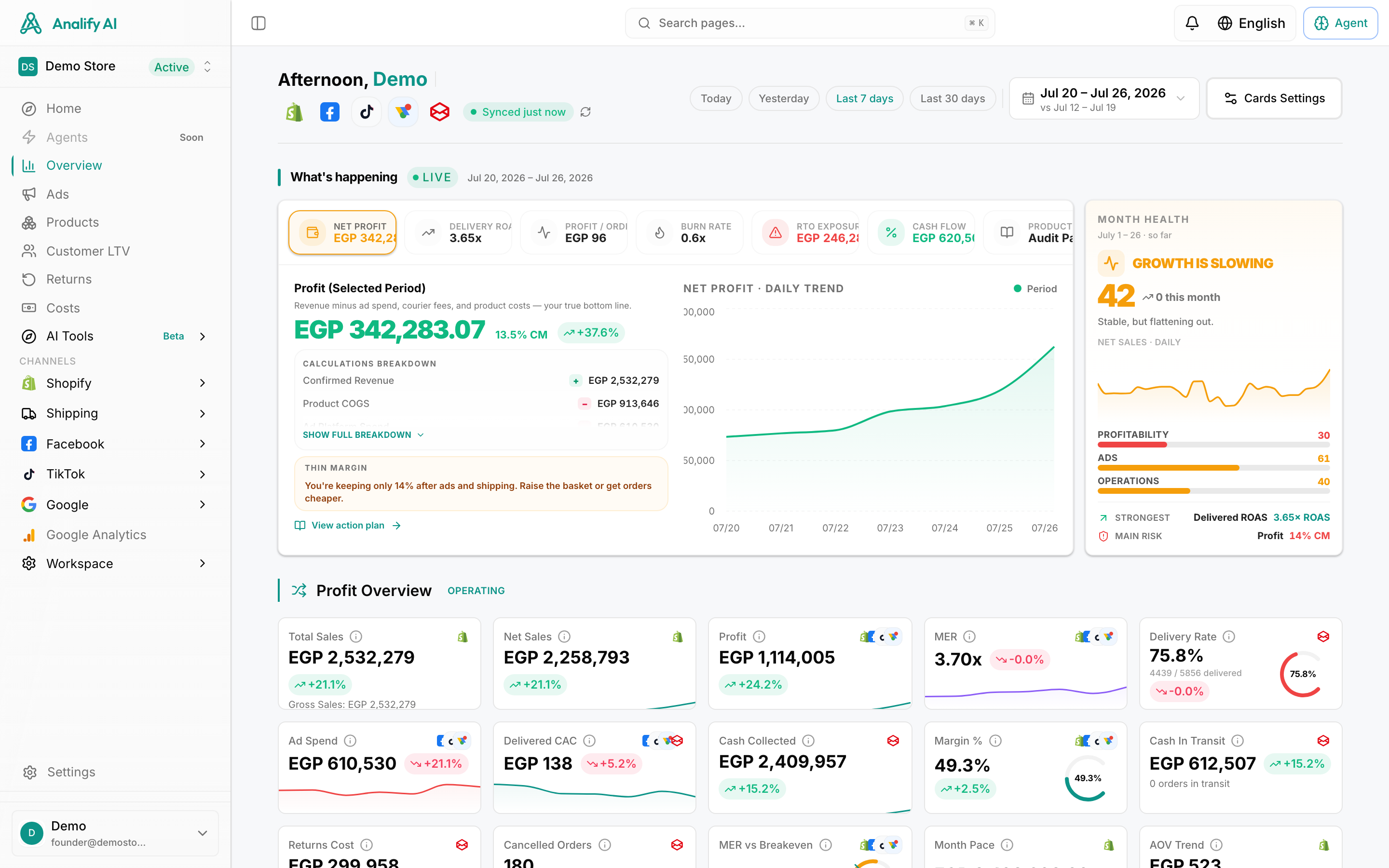
Your 5-Step Agency Framework for Ad Testing
Step 1: The Hook Test (The First 3 Seconds)
The single most critical variable in your ad's success is the hook—the first 3 seconds of a video or the primary headline and image of a static ad. If you don't win here, nothing else matters. Our first test isolates this variable.
Keep the body of the video, the core visual, and the ad copy identical. Only change the opening. Here are a few hook variations to test:
- Question vs. Statement:"Tired of messy spreadsheets?" vs. "Stop using messy spreadsheets."
- Statistic vs. Bold Claim: "9/10 agencies waste hours on reporting" vs. "The last reporting tool you'll ever need."
- UGC-Style vs. Polished Studio: A quick, phone-shot video vs. a professionally produced intro. Pro Tip: Use a simple naming convention like CreativeA_Hook1_Question to keep tests organized. A little organization saves a world of headaches later. For a deeper dive, our guide on how to master creative testing is a fantastic resource.
Step 2: The Visual & Creative Test
Once you've identified a winning hook (look for high outbound CTR and hold rates), it's time to test the main event: the core visual and creative concept. This is where you can test broader ideas:
- Formats: Image vs. Video vs. Carousel vs. Collection Ad
- Creative Concepts: A lifestyle shot vs. a product-on-white shot vs. a user-generated testimonial video.
This is where AI becomes your agency's secret weapon. A recent study by Ascend2 found that 92% of marketers say AI-driven tools have improved their A/B testing processes. You can use a tool like the Analify AI Ad Generator to create multiple high-quality image ad concepts in seconds, helping you find what works faster.
Step 3: The Copy & CTA Test
You've got a killer hook and a winning visual. The final piece is the copy and the call-to-action (CTA). While the visual stops the scroll, the copy persuades the user to take the next step. Here, you can test:
- Long-form vs. Short-form Copy: A detailed story vs. quick bullet points.
- Pain Point vs. Benefit-driven: "Stop wasting money on ads that don't work" vs. "Get a 3x ROAS with our proven method."
- Different CTAs: Test "Shop Now" against "Learn More," "Get Offer," or "Sign Up."
By layering these tests—Hook, then Visual, then Copy—you systematically build a powerful ad, piece by piece, backed by real-world data.
Step 4: The 'Kill & Scale' Protocol for Agencies
This is where you move from creative strategist to a data-driven portfolio manager, protecting client budgets and scaling wins with ruthless efficiency.
Automated Kill Rules (Your Safety Net)
You can't watch every ad 24/7. That's what automation is for. Understanding the core features of marketing automation software is key. By setting up "Kill Rules," you create an automated safety net that pauses underperforming ads. You can implement these with Analify AI Marketer. Here are a few non-negotiable rules:
Condition
Action
Rationale
If Spend > $20 AND CTR
Pause Ad
The ad is failing to capture attention. A CTR this low on Meta is a clear red flag.
If Spend > (2 x Target CPA) AND Purchases = 0
Pause Ad
The ad is attracting clicks but not converting. It's burning cash without delivering results.
If Frequency > 4 in 7 days (Cold Audience)
Pause Ad
The ad is saturating the audience and hitting creative fatigue. Time to swap it out.
These rules give you and your clients peace of mind. If you're new to this, our guide on how to set up marketing automation can walk you through the basics. For more strategies, explore different approaches to ad testing.
The 20-30% Scaling Rule (Your Growth Engine)
Once your test identifies a winner, it's time to scale. Avoid huge budget increases that shock the algorithm. The solution is a methodical, incremental scaling strategy.
Our rule: Increase the budget of a winning ad set by 20-30% every 48-72 hours, as long as KPIs are being met.
This gradual increase allows the algorithm to adapt efficiently without triggering a new learning phase. This is key to scaling client ad spend profitably.
Pro Tip: If performance drops after a budget increase, don't panic. Revert to the previous budget for 48 hours to let the campaign stabilize before trying to scale again.