Master advertisement link tracking with our agency guide. Learn to set up consistent UTMs, streamline client reporting, and prove campaign ROI across platforms.
It's Monday morning. You're staring at a spreadsheet, trying to manually stitch together performance data for 15 different clients across Facebook, Google, and TikTok. Client A's campaign names are a chaotic mess, and you're spending hours just cleaning data before you can even think about analysis.
For a growing agency, messy tracking isn't just a headache; it's a direct threat to your scalability and profitability. The solution is mastering the advertisement link.
An advertisement link is a standard URL enhanced with tracking codes, known as UTM parameters. These codes don't change the landing page but send vital campaign data—like traffic source and ad creative—to your analytics platform. This process is the key to measuring what's working and proving your value to clients, a practice that 76% of marketers are now implementing.
This is your step-by-step operational system to master ad tracking across your entire client roster, save countless hours, and build the rock-solid foundation required of a scalable advert company.
What You'll Learn in This Guide
- How to build a robust UTM naming convention for all your clients.
- The exact steps to set up tracking templates in Google Ads and Meta for agencies.
- How to use tracking data to prove ROI and improve client retention.
- Bonus: A downloadable multi-client UTM strategy template.
Why Advertisement Links Are an Agency's Secret Weapon
When we say "advertisement link," we're talking about a regular URL with special tracking codes, called UTM parameters, added to the end. These parameters pass crucial information back to your analytics platform (like Google Analytics 4).
The five standard UTM parameters are:
- utm_source: Where is the traffic from? (e.g., google, facebook)
- utm_medium: What type of link was it? (e.g., cpc, paid-social)
- utm_campaign: Which specific campaign does this belong to? (e.g., spring-sale)
- utm_term: Which keyword did they click? (Mainly for search ads)
- utm_content: Which ad did they click? (Used to differentiate ads)
For an agency, a consistent tracking system is the foundation for scale. It creates a plug-and-play process that allows junior team members to execute flawlessly, provides clean data for reporting tools, and feeds AI optimization engines the high-quality fuel they need to make smart decisions.
Analify AI — free media buyer view
Stop guessing your profit.
Connect Shopify, Meta, TikTok and Bosta in 5 minutes.
Start free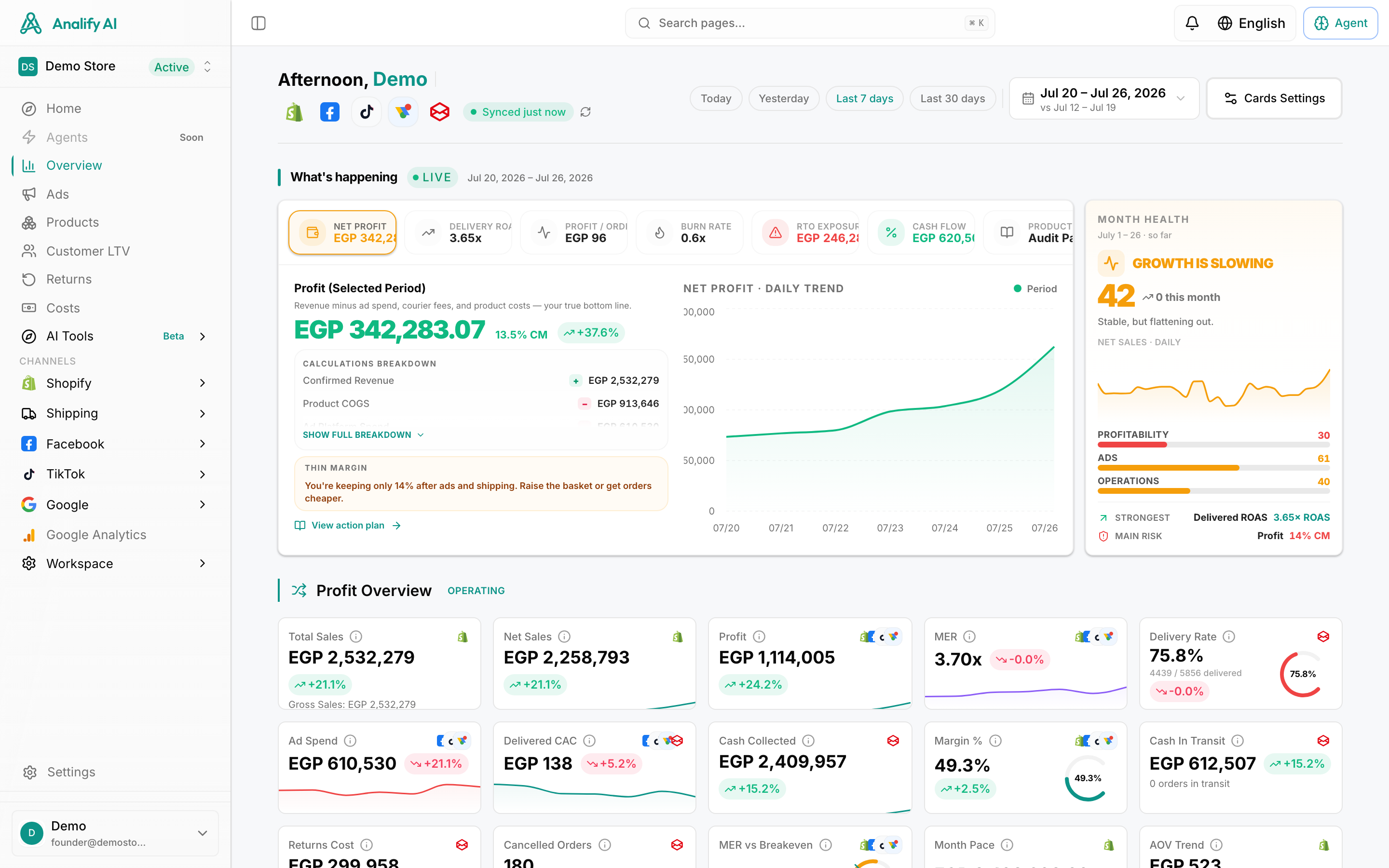
Core Types of Advertisement Links Your Agency Must Master
Not all tracking links are created equal. Depending on the platform, you'll have different tools at your disposal. Here's a quick breakdown of what your team needs to know.
Google Ads: Tracking Templates
Google Ads offers powerful options at the account level, which is a lifesaver for agencies:
- Final URL: The actual landing page where the user ends up.
- Tracking Template: This is your best friend. It's a field where you can define a universal tracking structure that applies to all ads within a campaign, ad group, or even the entire account. This is where your UTMs live.
- Final URL Suffix: A place to add parameters that don't need a redirect. For most agencies, the Tracking Template is the main event.
Meta (Facebook): Dynamic URL Parameters
In Facebook Ads Manager, you'll find a field called "URL Parameters" at the ad level. The real power here is using Meta's dynamic parameters. Instead of manually typing your campaign name for every ad, you can use {{campaign.name}}. Meta automatically fills in the correct campaign name, saving hours and preventing typos when testing creatives from an ads design tool. This precise tracking also powers effective retargeting, which can boost conversion rates by up to 70%.
Branded Short Links
A branded short link (e.g., pepsi.co/summer-fun) turns long, ugly URLs into clean, trustworthy links. This isn't just for looks; studies show that branded links can increase click-through rates by up to 39% compared to generic short links.
Pro Tip: For Google Ads, enable auto-tagging (GCLID) for rich data in Google Analytics. However, to compare Google to other channels like Facebook, manual UTMs are essential. The best practice is to use both: enable auto-tagging and set up a UTM tracking template.
How to Create a Standardized UTM Naming Convention
Here's where most agencies fall apart. Without a standardized system, your data becomes a fragmented nightmare. In your analytics, Facebook, facebook, and FB show up as three separate sources. Multiply that chaos across five parameters and 20 clients, and reporting becomes impossible.
The Solution: A Standardized Agency Template
Implement this system across your entire agency. No exceptions.
- utm_source: Always lowercase. The platform name. (google, facebook, tiktok)
- utm_medium: The marketing channel. (cpc, paid-social, display)
- utm_campaign: A clean, descriptive name. We recommend: {client_name}-{objective}-{month_year} (e.g., acme-conversions-mar24)
- utm_content: Differentiate your ads by format or audience. (e.g., video-lookalike-1). This is crucial for tracking which of your new ad ideas are resonating.
- utm_term: For search campaigns, use the dynamic {keyword} parameter.
You can use Google's Campaign URL Builder to get started, but we recommend building a shared spreadsheet for your team. (Psst... we've made one for you! You can download our multi-client UTM strategy template here.)
**⚠️ Warning: Never Use UTMs on Internal Links!**Never add UTM parameters to links on your own website (e.g., from your homepage to your pricing page). This will overwrite the user's original traffic source in Google Analytics and destroy your attribution data. It's a reporting catastrophe that can make your best campaigns look invisible.
Step-by-Step: Setting Up Advertisement Link Tracking
Alright, let's put this into practice.
1. Google Ads Account-Level Setup
- Log in to your client's Google Ads account.
- Navigate to Settings > Account settings.
- Go to the Tracking section.
- In the "Tracking template" field, paste your universal UTM structure using ValueTrack parameters:{lpurl}?utm_source=google&utm_medium=cpc&utm_campaign={campaignid}&utm_content={adgroupid}&utm_term={keyword}
- Click Save. This structure will now apply to every ad in the account.
2. Meta Ads Ad-Level Setup
- In Ads Manager, navigate to the ad you want to track.
- Scroll down to the Tracking section.
- In the "URL Parameters" box, build your parameters using Meta's dynamic values:utm_source=facebook&utm_medium=paid-social&utm_campaign={{campaign.name}}&utm_content={{ad.name}}
- Meta will automatically populate the campaign and ad names, ensuring consistency.
3. The Automated Agency Workflow (with Analify)
Managing this manually across dozens of clients is where things get messy. A centralized platform is a game-changer for agencies. With a platform like Analify, you can enforce your agency's UTM naming convention automatically. Our platform includes an automatic UTM appending feature that helps ensure every ad launched has consistent, clean tracking parameters. This is a key function of modern automated ad launch tools, preventing human error and saving your team from tedious manual work.
Analify AI — free media buyer view
Stop guessing your profit.
Connect Shopify, Meta, TikTok and Bosta in 5 minutes.
Start freeFrom Data to Dollars: Using Tracking to Prove ROI
Clients don't care about UTMs; they care about results. Your job is to connect the dots from that clean data to the revenue they're making. Instead of showing them a confusing spreadsheet, present the story the data tells to justify your management fee and improve client retention.
For example, you can present a simple table like this in your monthly report:
Channel Spend Revenue ROAS
Google Ads $5,000 $25,000 5.0x
Meta Ads $7,500 $30,000 4.0x
TikTok Ads $2,500 $5,000 2.0x
Total $15,000 $60,000 4.0x