
For performance marketers
Ads with the whole business behind them.
See which “winning” campaigns lose money once returns, shipping and product costs land — and move budget with the numbers to prove it.
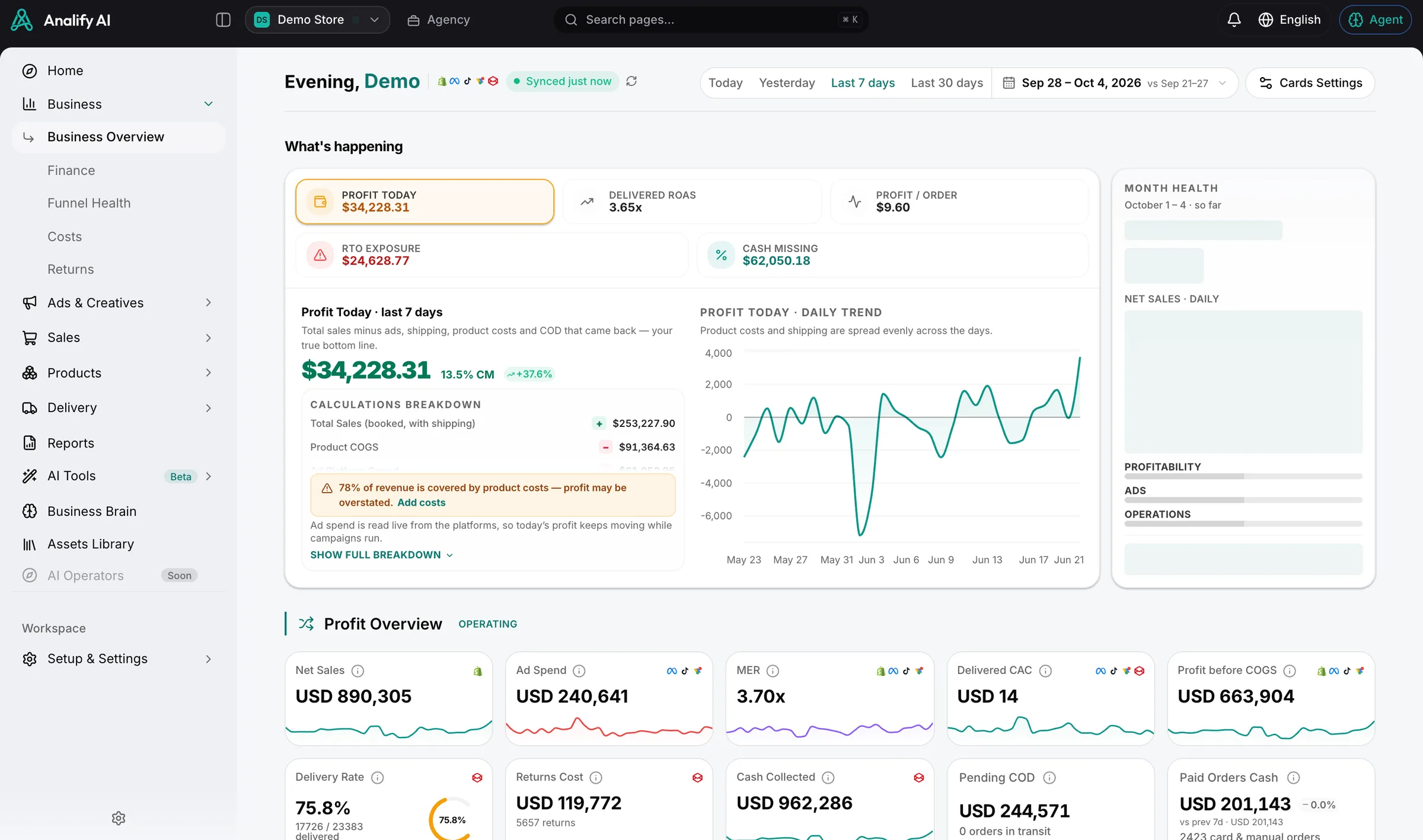
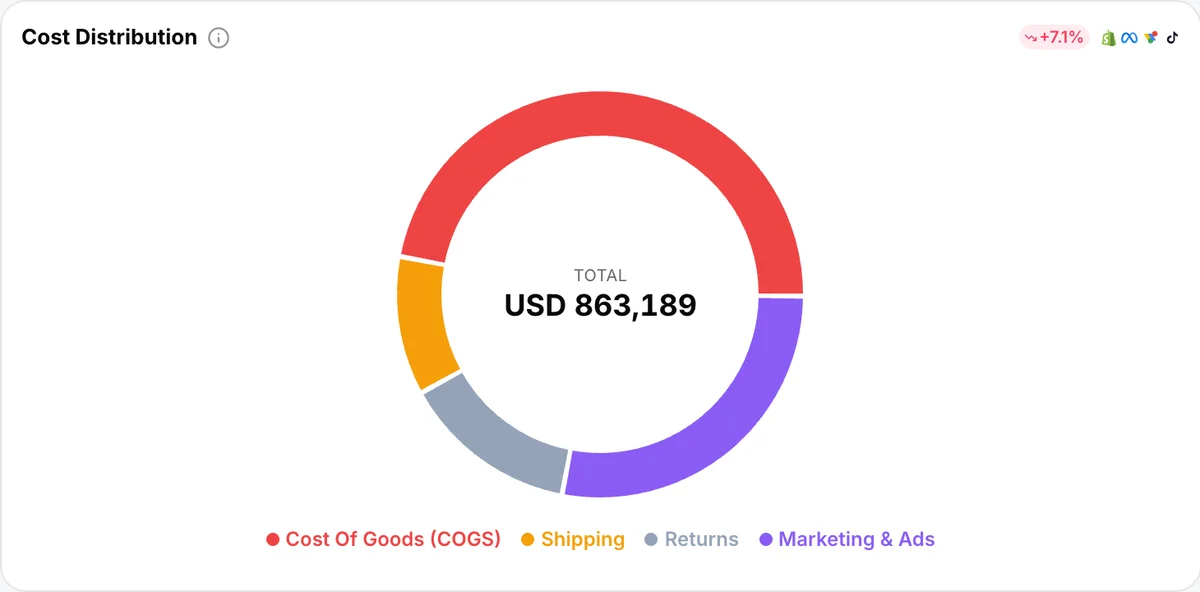
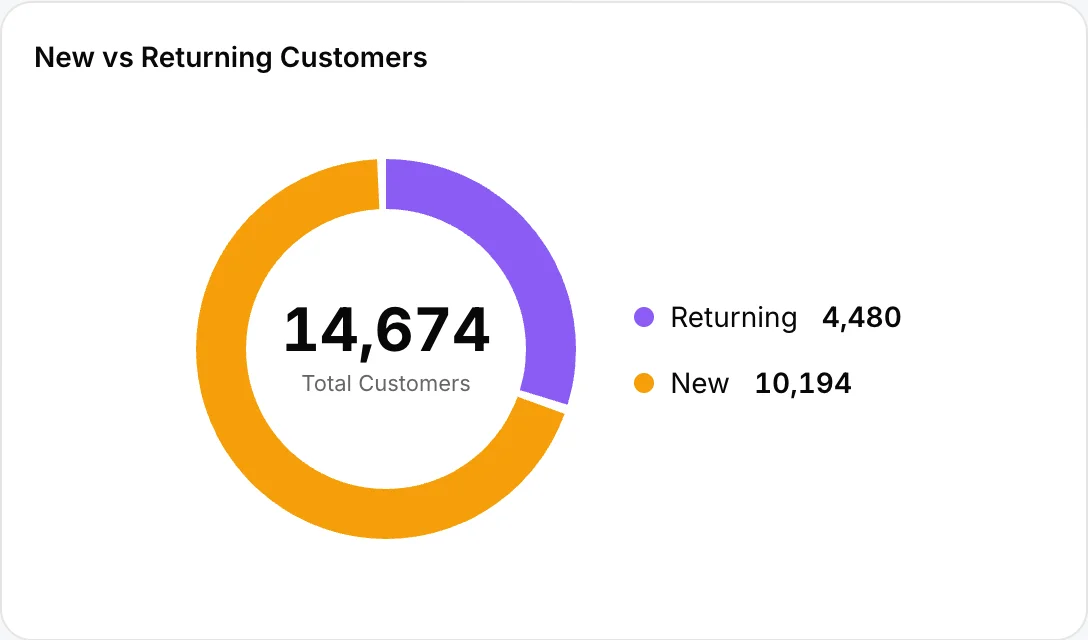
Illustrative data — sample business and numbers.
Works with the tools you already use
 MetaTikTokGoogle AdsbetaGA4BostaWhatsAppClaudeChatGPTClaude CodeCodexCursorMetaTikTokGoogle AdsbetaGA4BostaWhatsAppClaudeChatGPTClaude CodeCodexCursorMetaTikTokGoogle AdsbetaGA4BostaWhatsAppClaudeChatGPTClaude CodeCodexCursor
Sound familiar?
Without Analify
With Analify
“ROAS looks great, but the founder says there's no profit.”
Find campaigns losing money after returns
“Returns and costs live outside Ads Manager.”
Compare real CAC with profit
“Every budget call needs a spreadsheet to defend it.”
Reduce budgets after approval, in Meta and TikTok
What Analify does about it
Review campaigns without switching accounts.
See Meta, TikTok and connected Google campaigns together. Pause or resume where permitted, edit budgets in place, and confirm larger changes before they run.
MetaTikTokGoogleLinen Collection · Prospecting$120$96Summer Basics · Retargeting$80$74Confirm budget change
You're changing the daily budget from $120 to $400. Review the amount and account before confirming.
Illustrative data — sample business and numbers.
Find winners before they start wearing out.
Compare Meta and TikTok creatives marked winner, new or fatiguing. Check TikTok hooks against viewer hold to see where attention drops.
Creative performance
- Linen Story · V3Winner
- Weekend Outfit · V1HookHoldFatiguing
- Unboxing · V2New
- Summer Fit · V4Active
Compare the opening hook with how long viewers stay.
Illustrative data — sample business and numbers.
See what followed an approved budget change.
Compare reported ad-platform results from the 7 days before and after an approved budget change, without claiming causation.
Before and after approval
- Ad spend$4,200$5,600
- Purchases112138
- Cost per purchase$37.50$40.58
Source: Meta Ads
Meta-reported results for two 7-day periods. Changes are not proof the budget increase caused them.
Illustrative data — sample business and numbers.
From your question to the next step.
- 1AskDescribe the business problem. Start with profit, campaigns, products, customers or shipping.
- 2InvestigateAziz checks connected systems and Business Brain knowledge to understand what changed and why.
- 3VerifyInspect sources, calculations and data coverage. See what's missing before trusting a recommendation.
- 4ApproveReview the proposed action, its reason and what changes. Nothing is executed until you approve.
Nothing changes until you approve.
Illustrative data — sample business and numbers.
Common questions
How does Analify help with Meta Ads analysis?
It puts Meta Ads spend and results next to Shopify orders, product costs, shipping and returns, so you see which campaigns make profit, not only which ones report a good ROAS.
Can AI review my Meta ads every day?
Yes, in two ways today. A daily Report sends yesterday's numbers each morning by email (WhatsApp on Pro). Ask Aziz for a Daily Check or a Meta performance review and he puts each campaign's spend next to orders, returns and product costs, then prepares a pause or budget change you approve before anything happens. AI Operators that run this review on a schedule without being asked are coming soon.
What is the difference between platform ROAS and blended ROAS?
Platform ROAS is the revenue an ad platform credits to its own ads divided by spend. Blended ROAS is total store revenue divided by total ad spend across channels. Analify shows both, plus profit after returns.
Is there a Meta Ads AI agent that changes budgets only after I approve?
Yes. Ask Aziz to review your Meta campaigns: he puts spend next to orders, returns and product costs, then prepares one specific change — pause or resume a campaign or ad set, or change its daily budget. The approval card shows what will change, why, and whether it can be undone, and nothing runs until you approve it. Recommendations are checked against the daily ad spend approval limit and forbidden actions you set in the Business Brain, and after an approved budget change you can compare the ad-platform results from the 7 days before and after it. The same works for TikTok; Google Ads is beta.
Does Analify do multi-touch attribution?
No. Analify doesn't build attribution models or tracking pixels. It compares ad spend with what the business actually kept.
Give AI the business it was missing.
Connect your company, build its memory and start asking, deciding and approving from one place.
See pricing